
Are you having a hard time finding a piece of information? Watch the video below and find out how to locate it easily!
Maybe you need to find a piece of information buried in one of your meetings or perhaps you want to locate a Stakeholder to view meetings they have attended and assignments that have been made to them. Regardless of your purpose Global Search provides a way for you to easily locate information within MeetingResult. Global Search is always available in the upper right-hand corner of any screen that you find yourself on.
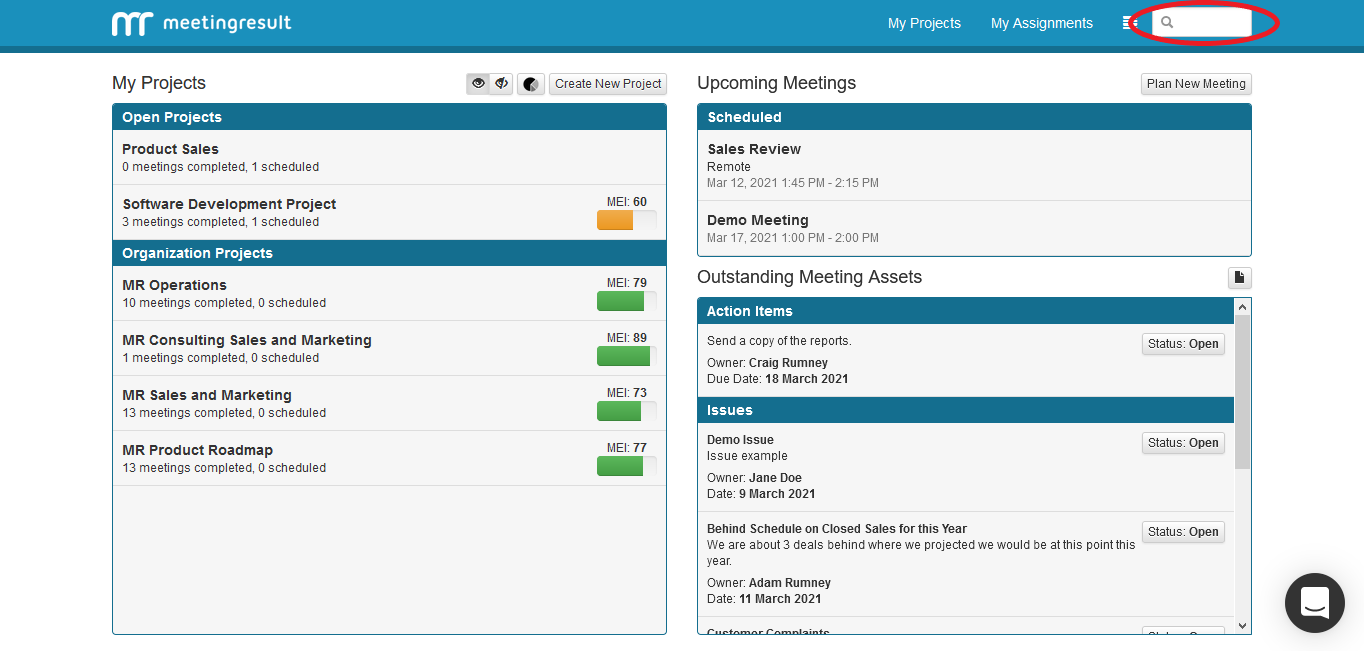
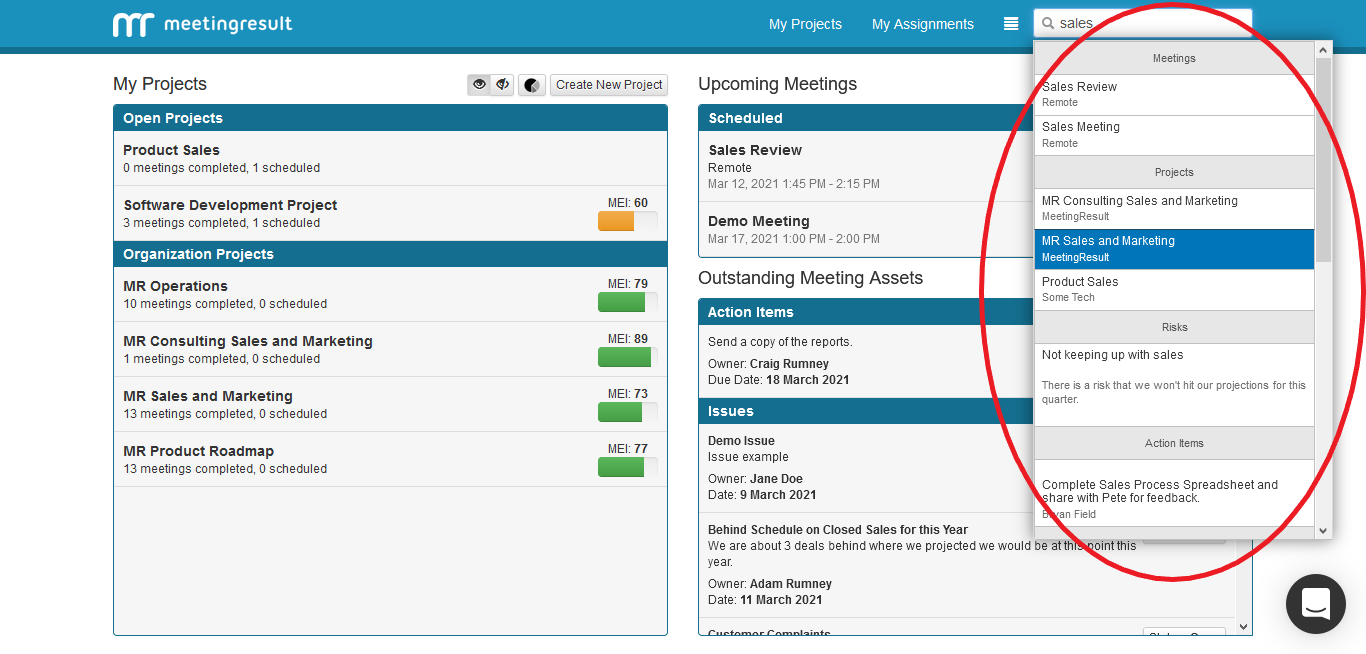
To locate anything in MeetingResult simply begin typing keywords that identify what you are looking for in the Global Search box. As you type the system will begin to return a list of results that match what
you are typing. To view any of the results just click on the item in the drop-down list. For example, we will click on one of the meetings that matched what we typed. This will bring up that meeting.
The more you use MeetingResult and the more information you store in the application the more valuable this feature will become to help you quickly locate important information.
Comments